Using Redis Insight
One of the services provided with PBot is Redis Insight. Redis Insight is a GUI for the Redis database at the center of PBot. To access Redis Insight, navigate to localhost:5540 in your browser.
Additional Insight Resources
- Redis Insight Official Docs
- Redis Insight Official Docs: Overview - Provides an intro to navigating Redis Insight.
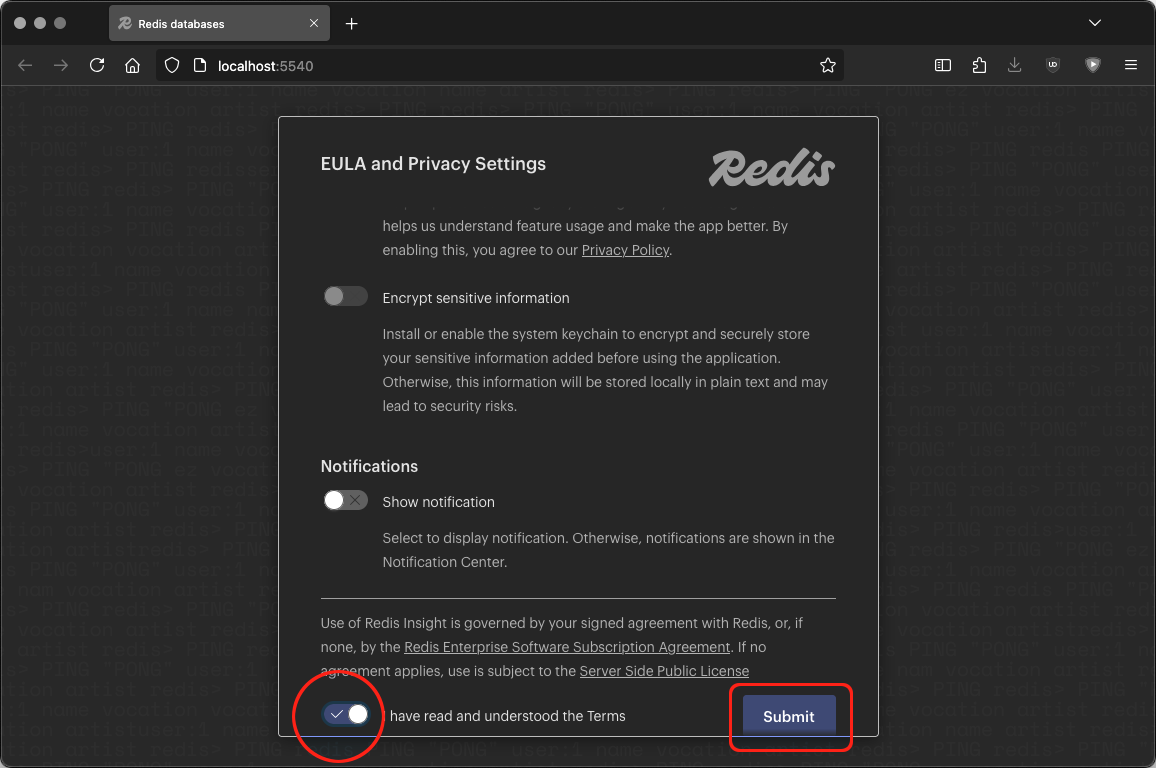
EULA
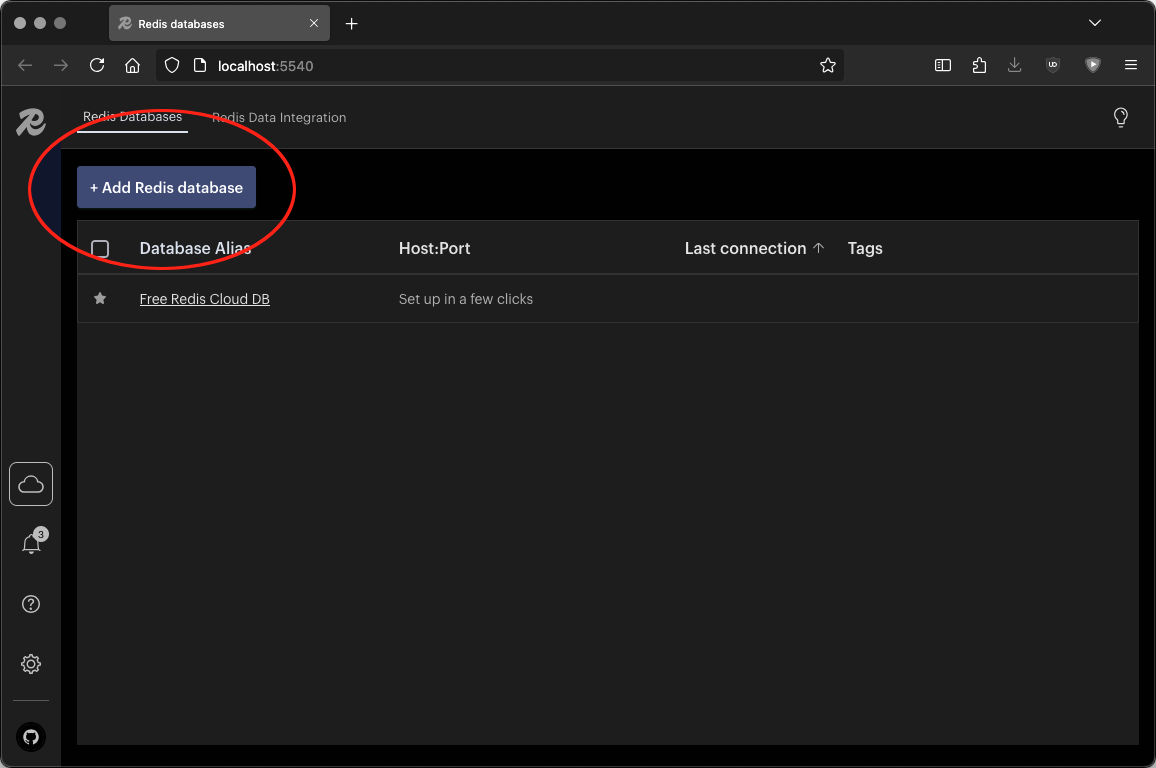
Add a Redis Database
Click the Add Redis database button.
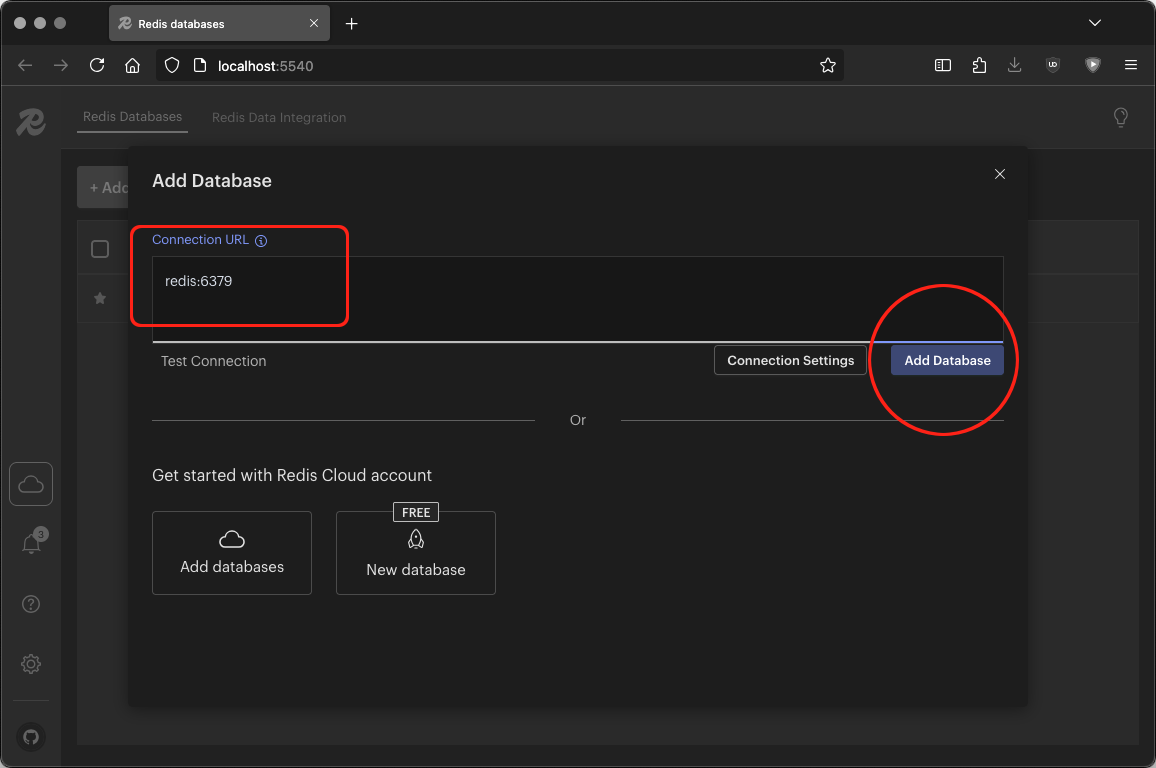
Setting the Database URL
The connection URL you’ll use to connect to Redis is simply: redis:6379
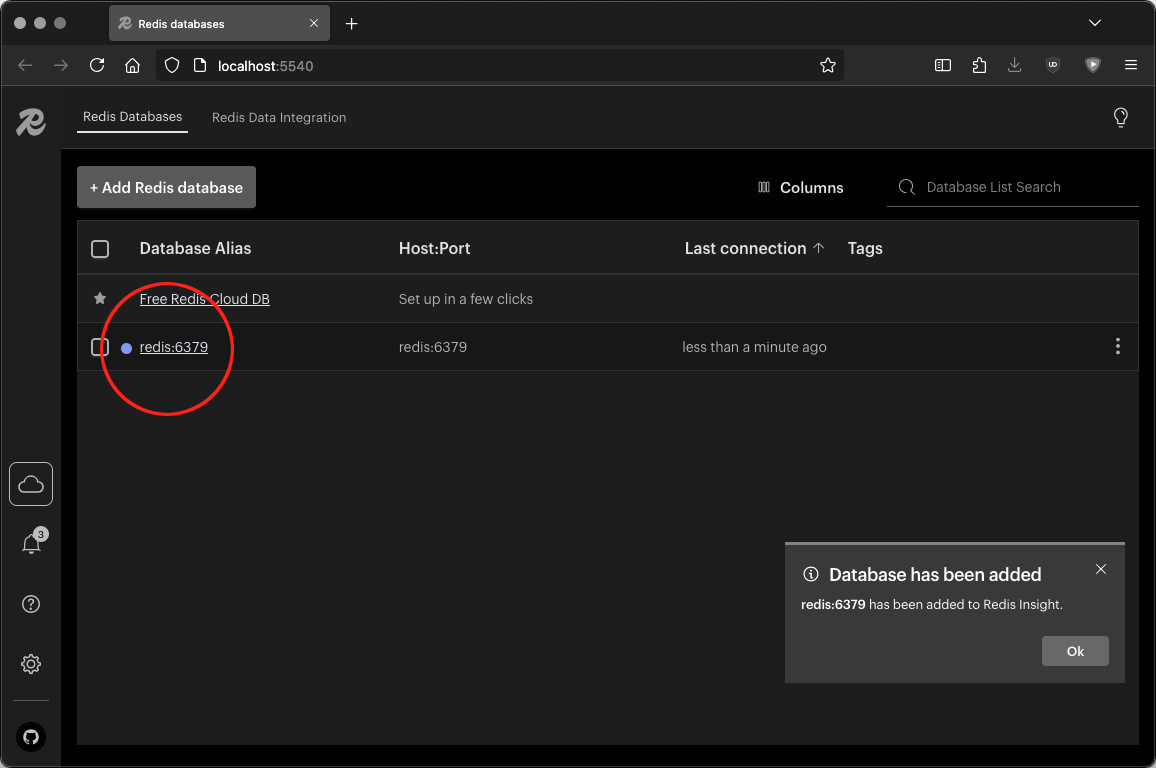
Connecting to the Database
Click on the newly registered database on port 6379.
Greeting the Key Value Store
Initially, you’ll see an unorganized dump of every key currently in PBot’s database.
For now, we start by looking at the test message sent in the previous section:
“I sure could go for some tacos right now..”
The message will be a JSON record with a key that starts with message: like: message:1414723334960320743
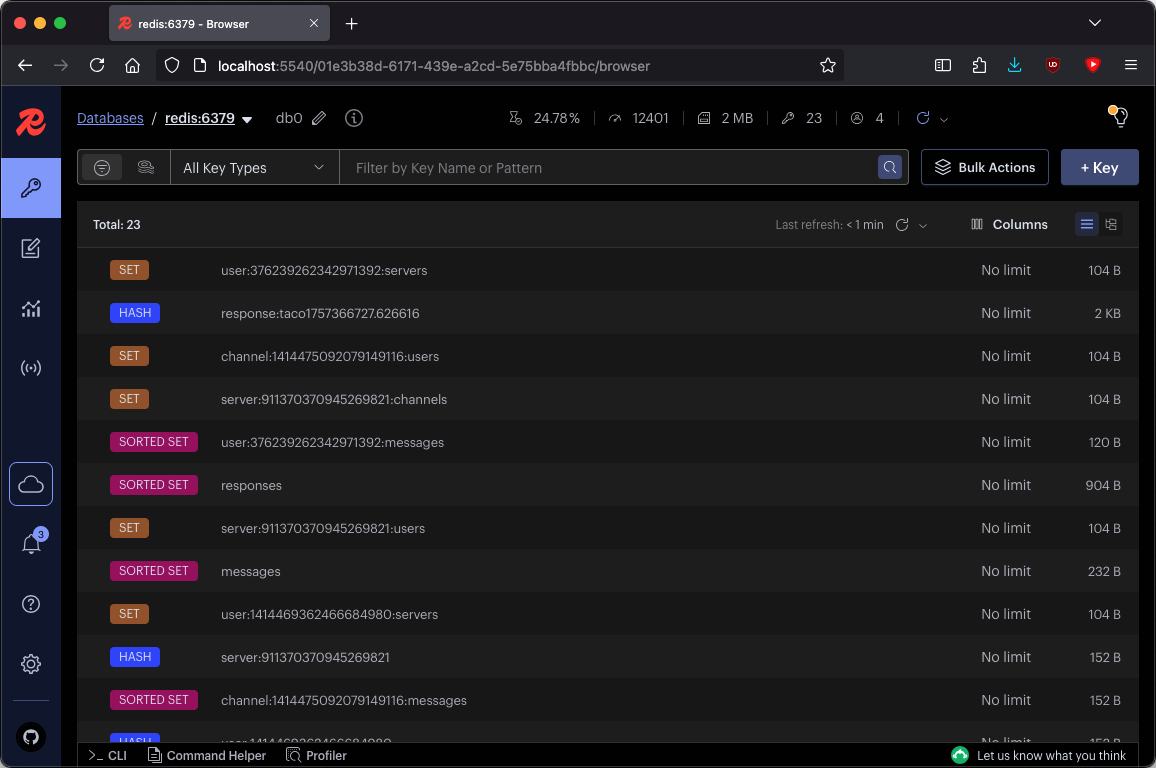
Finding Our Test Message
The bot’s response will be a HASH record with a key that starts with response:. In this case: response:taco1757366727.626616
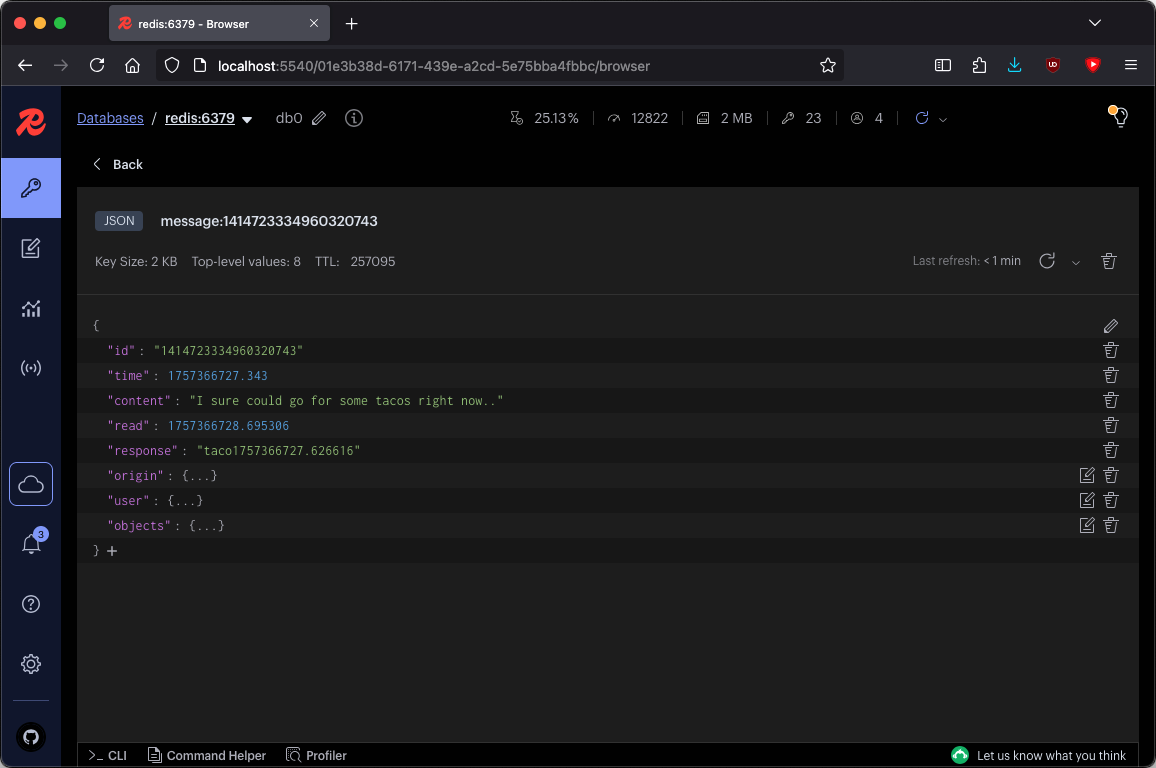
Finding Our Test Response
Redis Insight is pretty straightforward. A better understanding of PBot’s inner workings and the models involved will make navigating Redis Insight ever more intuitive.
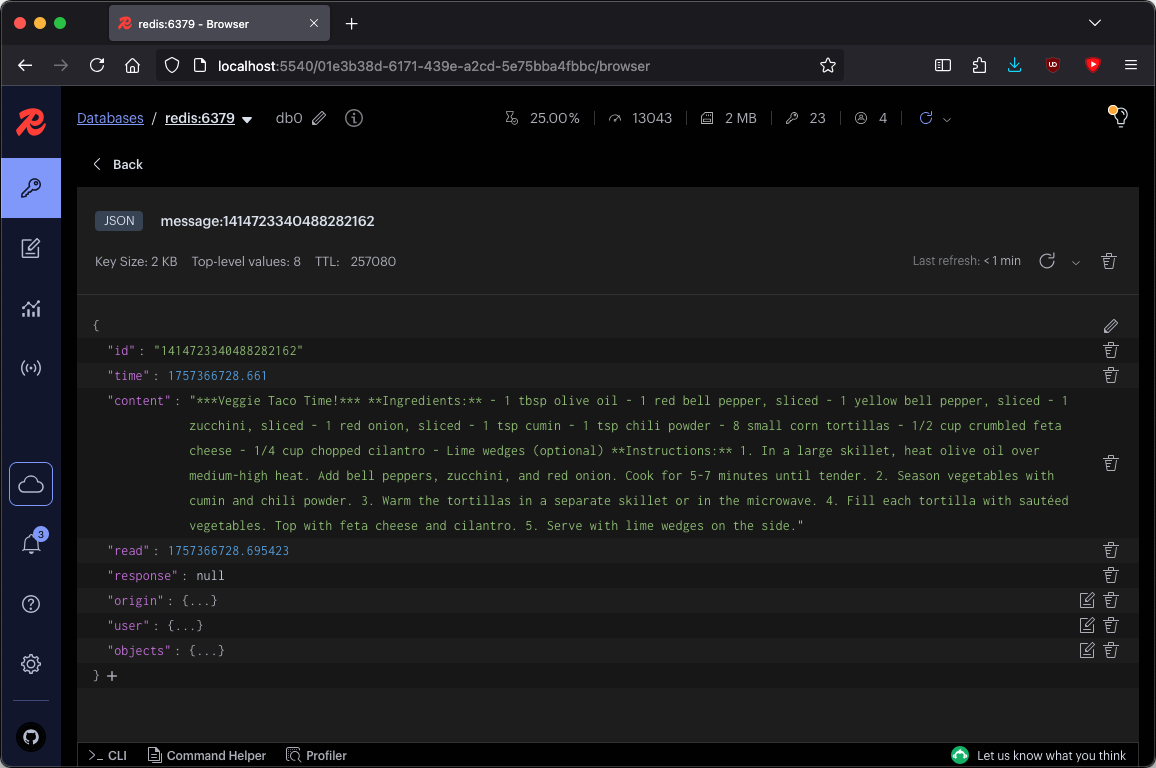
Redis Insight is pretty straightforward. A better understanding of PBot’s inner workings and the models involved will make navigating Redis Insight ever more intuitive.